Mastering Humanoid Simulation with MuJoCo & the G1
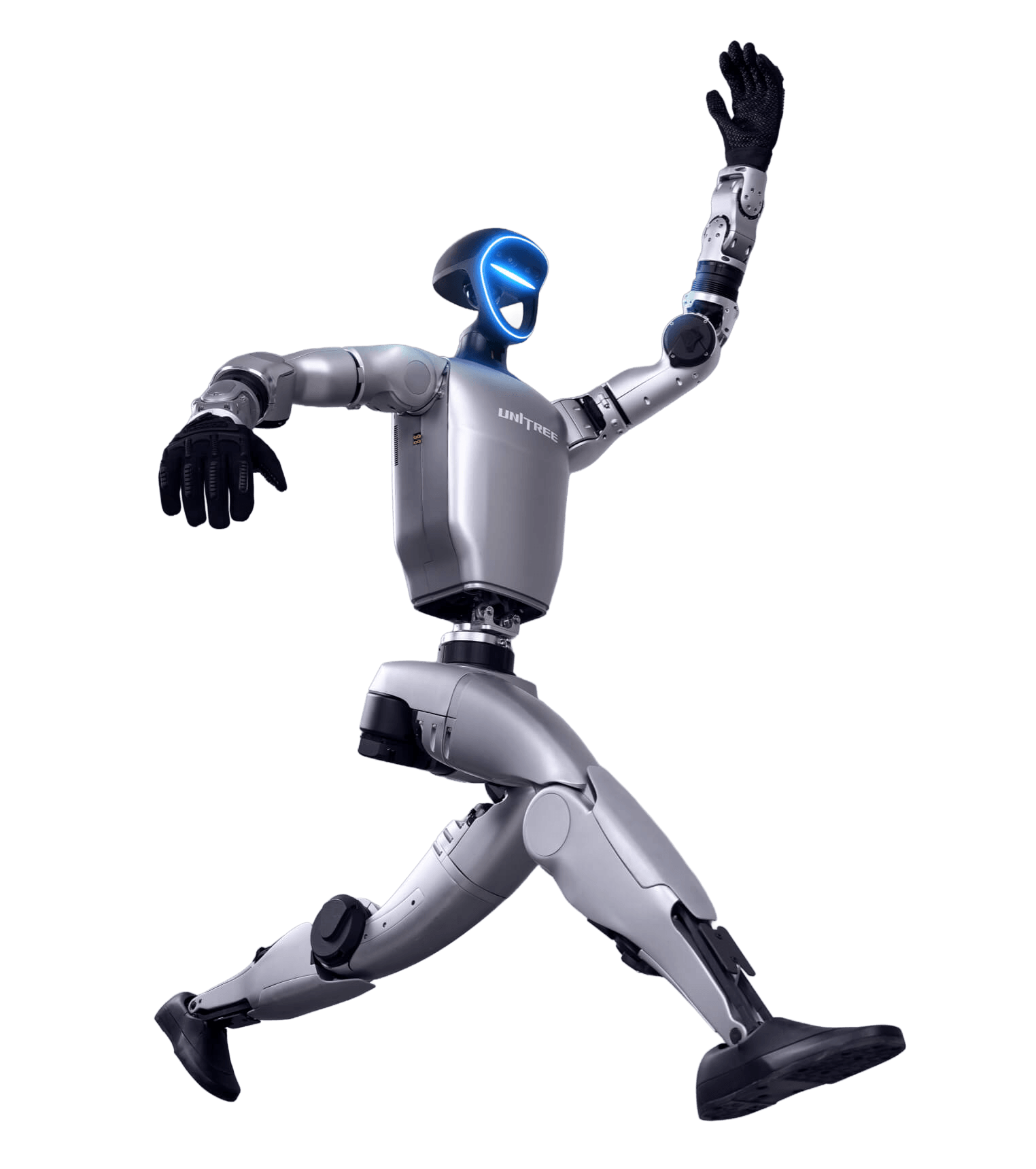
Learn how to simulate, tune, and visualize humanoid motion using MuJoCo and the Unitree G1 model. This hands-on course guides you from setup and physics control to motion replay and 3D dataset visualization with Rerun.
Enroll NowThis course includes
- MuJoCo simulation setup & controls
- Unitree G1 motion and balance labs
- Human motion dataset replays
- Rerun 3D motion visualization projects
- Certificate of completion
About this course
This course teaches you how to simulate, tune, and visualize humanoid motion using MuJoCo and the Unitree G1 humanoid model. You’ll learn how physics settings, solver mechanics, contact parameters, and environment changes affect balance and motion. Then, you’ll explore real G1 motion datasets—walking, running, squatting, and human dance—while learning to replay and analyze movements using MuJoCo and Rerun 3D visualization. By the end, you’ll be able to run full G1 simulations, fine-tune motion realism, and compare human vs robot trajectories.
Skills you'll gain
- MuJoCo installation & humanoid setup
- Simulation controls & interface navigation
- Solver tuning for stable humanoid motion
- Environmental & contact physics configuration
- Loading and replaying Unitree G1 datasets
- Human motion transfer concepts (LAFAN1)
- Interactive G1 control & debugging
- 3D motion visualization with Rerun
Curriculum
- 1.1 Install MuJoCo software and verify setup (1:16)
- 1.2 Learn MuJoCo’s interface - start, pause, reset, and analyze runtime stats (1:56)
- 1.3 Mujoco Unitree G1 Joint Angles (1:56)
- 1.4 Getting Started with LocoMuJoCo (3:08)
- 1.5 Downloading Motion Data and Testing (1:53)
- 1.6 Visualizing Dance Movement Data in Rerun (2:06)
- 1.7 Visualizing Fighting and sports Movements in Rerun.io (2:43)
- 1.8 Visualizing Sports movements in Rerun (2:31)
- 1.9 Visualizing Jump Movements in Rerun (2:42)
- 2.0 Sim to Real Kinematic Motion Transfer- Fight Data (2:44)