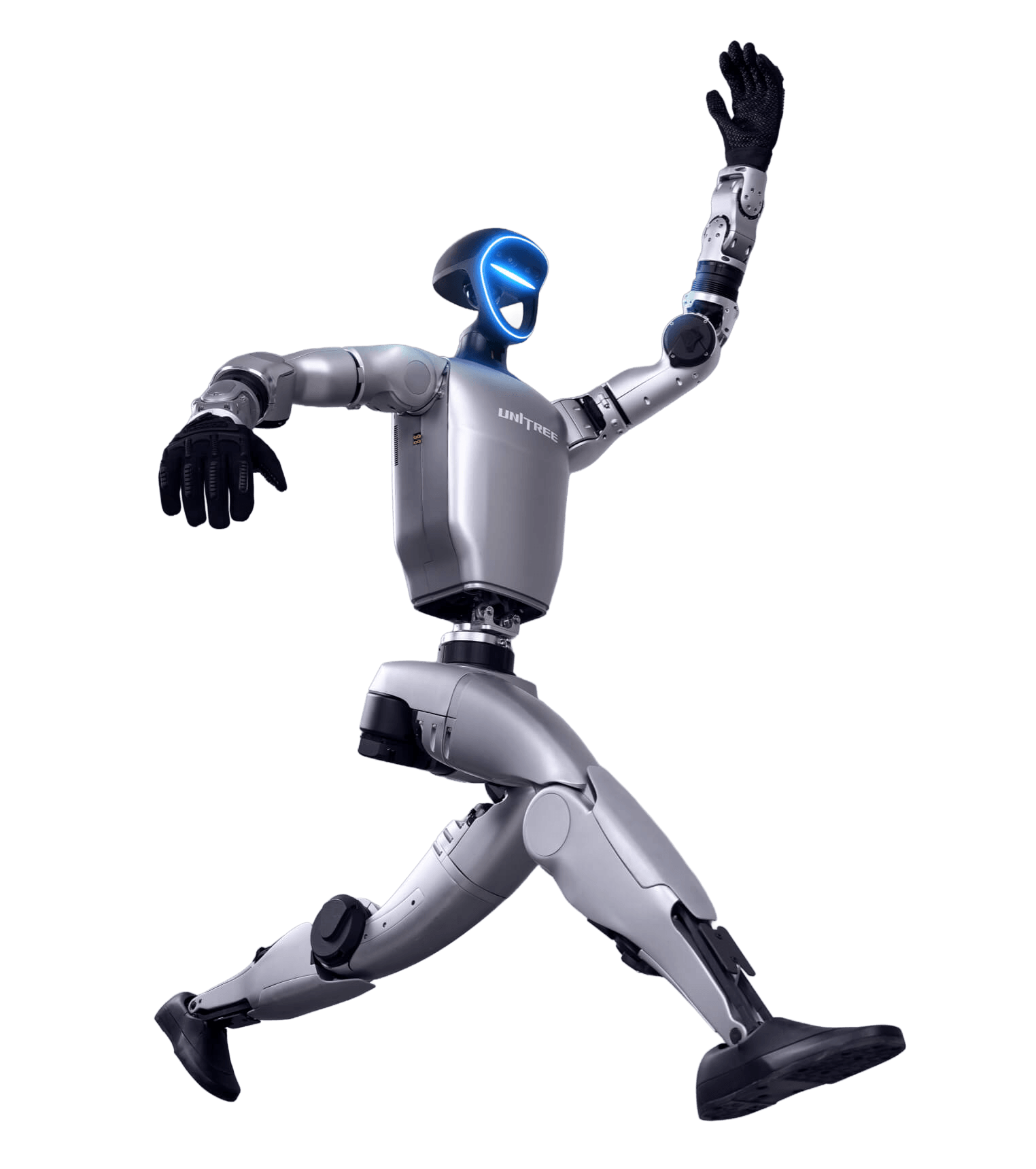
Unitree G1 Agentic Navigation and Memory with DimOS
Master the complete DimOS workflow for the Unitree G1 humanoid robot. Learn how to install and configure DimOS, connect to your G1, build the navigation engine, visualize robot perception, use AI agents, create maps, perform autonomous navigation, write custom modules, and develop your own agent skills for advanced robot autonomy.
Enroll NowThis course includes
- Complete DimOS installation & setup
- Navigation mapping & autonomous navigation
- AI agents, detection & object tracking
- Custom DimOS modules & agent skills
- Control panel setup & troubleshooting
About this course
This comprehensive course teaches you how to deploy and use DimOS with the Unitree G1 humanoid robot to create intelligent, autonomous robotic applications. Beginning with a complete installation from scratch, you'll configure Python, GPU PyTorch, and the DimOS navigation engine before learning how to visualize robot perception using Rerun Viewer. From there, you'll explore live camera feeds, AI-powered detection and tracking, agent reasoning, autonomous navigation, environment mapping, and custom module development. By the end of the course you'll be able to build your own agent skills, automate robot tasks, and troubleshoot common deployment issues with confidence.
Skills you'll gain
- Installing and Configuring DimOS
- Python, GPU PyTorch & Navigation Engine Setup
- Connecting and Preparing the Unitree G1
- Visualizing Robot Data with Rerun Viewer
- Live Camera Streaming & Perception
- AI Agent Commands, Detection & Tracking
- Environment Mapping & Autonomous Navigation
- DimOS Control Panel & Custom Module Development
- Creating Agent Skills with Python Scripts
- Debugging & Troubleshooting DimOS Deployments